Visualization of Opensource Assignments
To view the open source attributions, you need to click on the icon located in the upper right corner of the screen (highlighted), then select "Opensource."
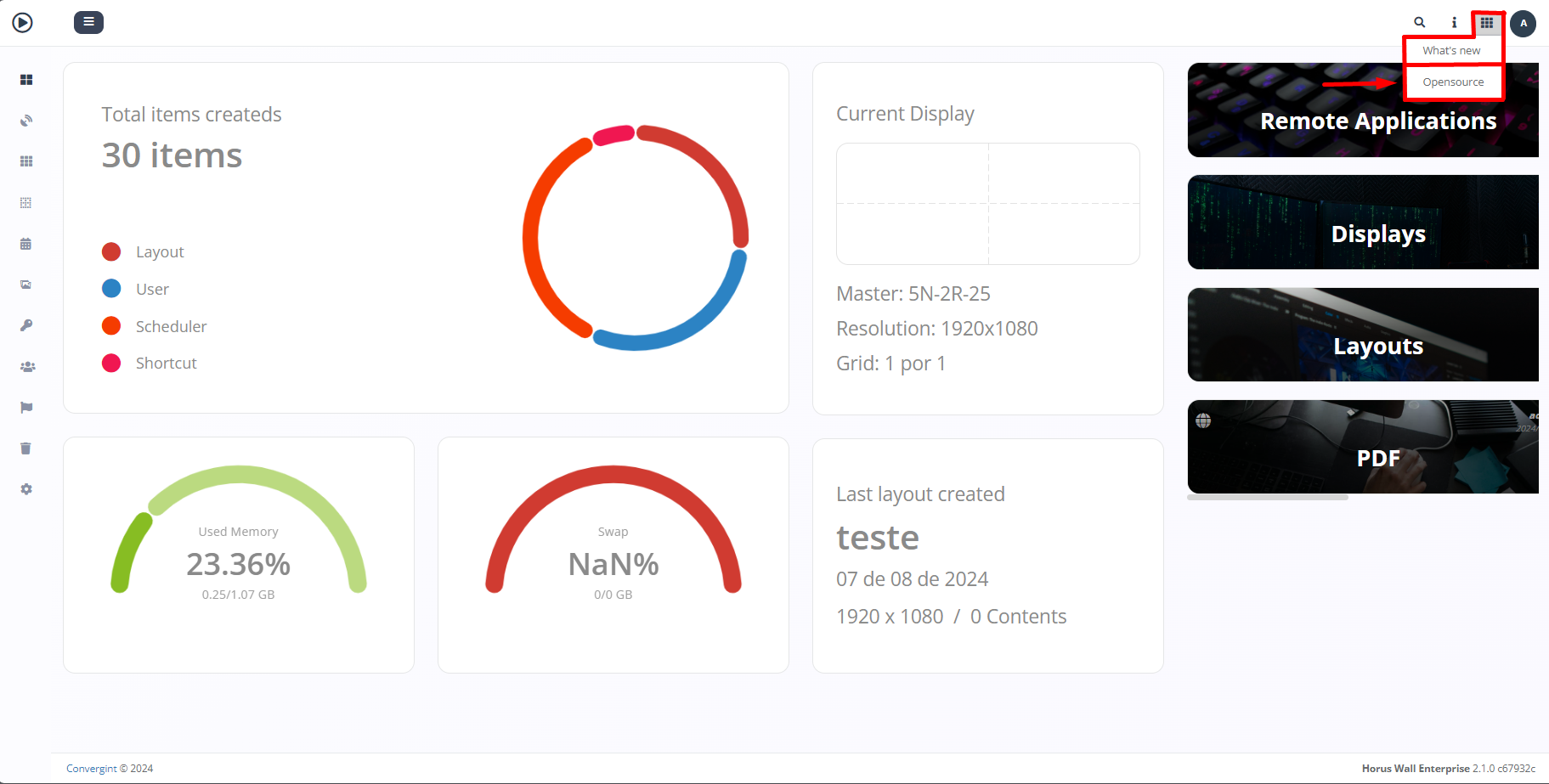
By clicking this option, you will have access to the open source attributions.
